
Support
Help for every stage.
Whether you are migrating from spreadsheets or switching from another field service platform, our team can help you get running.
Support For Every Trade On Your Truck
Shops running heating and cooling, electrical, and plumbing crews all work the same way in JobOpsPro.
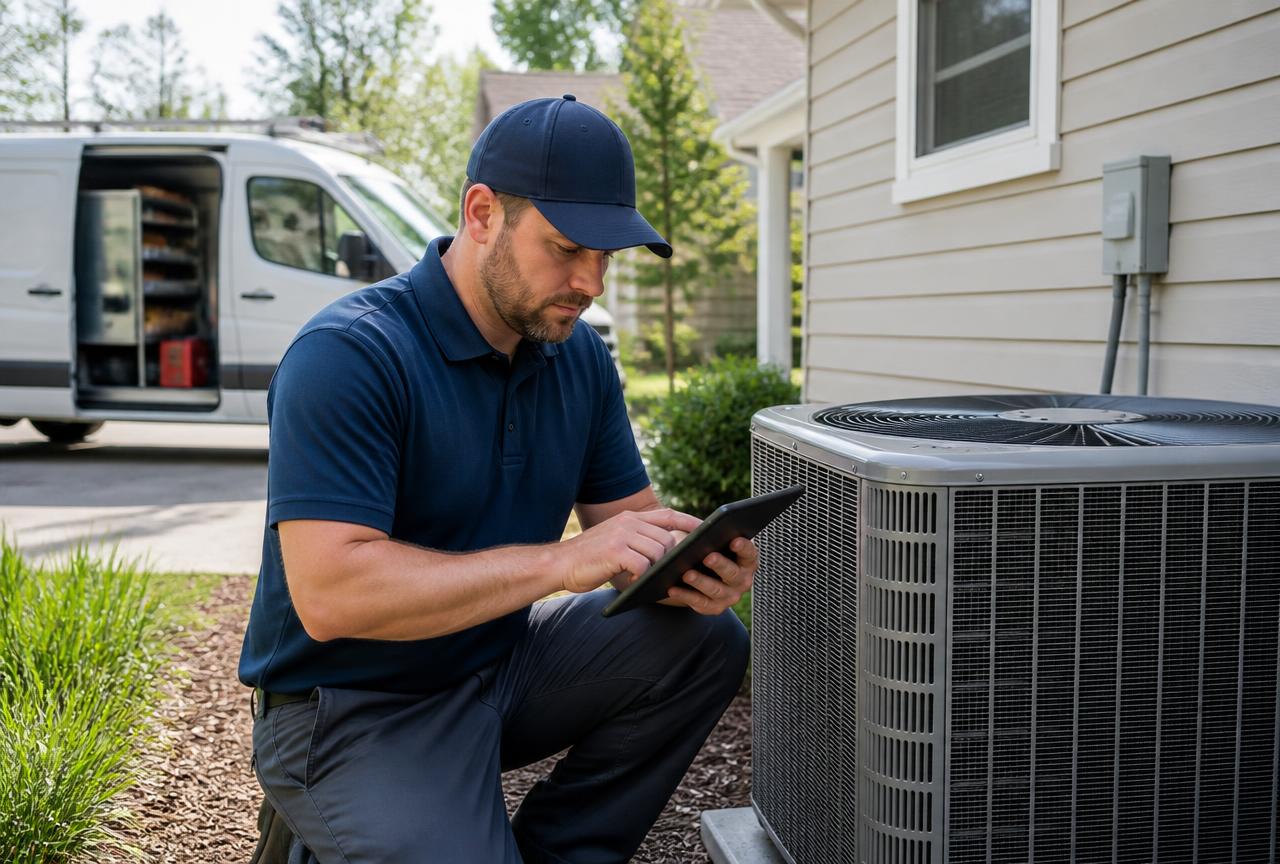
Heating & Cooling
Tune-ups, replacements, and emergency calls tracked from intake to invoice.
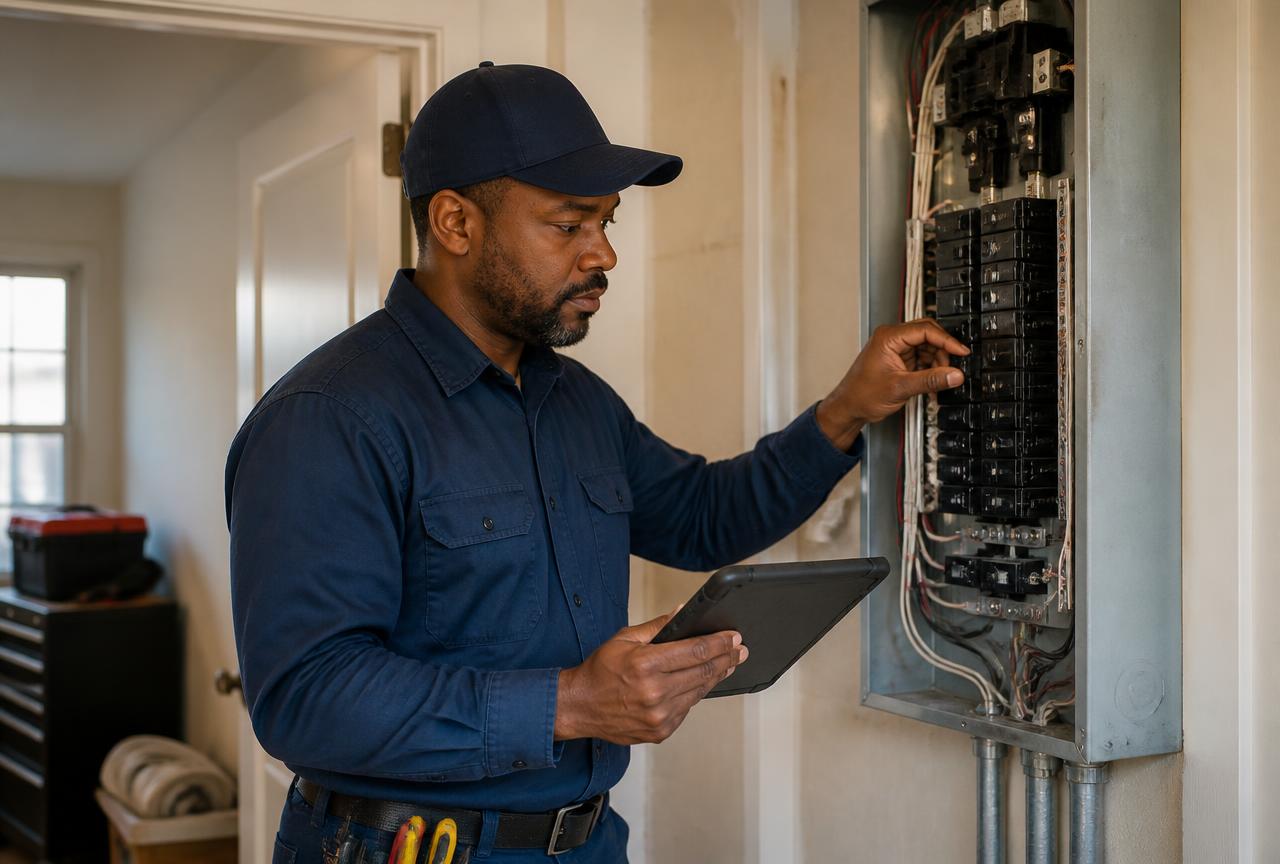
Electrical
Panel work, service upgrades, and inspections with photos logged on the job.
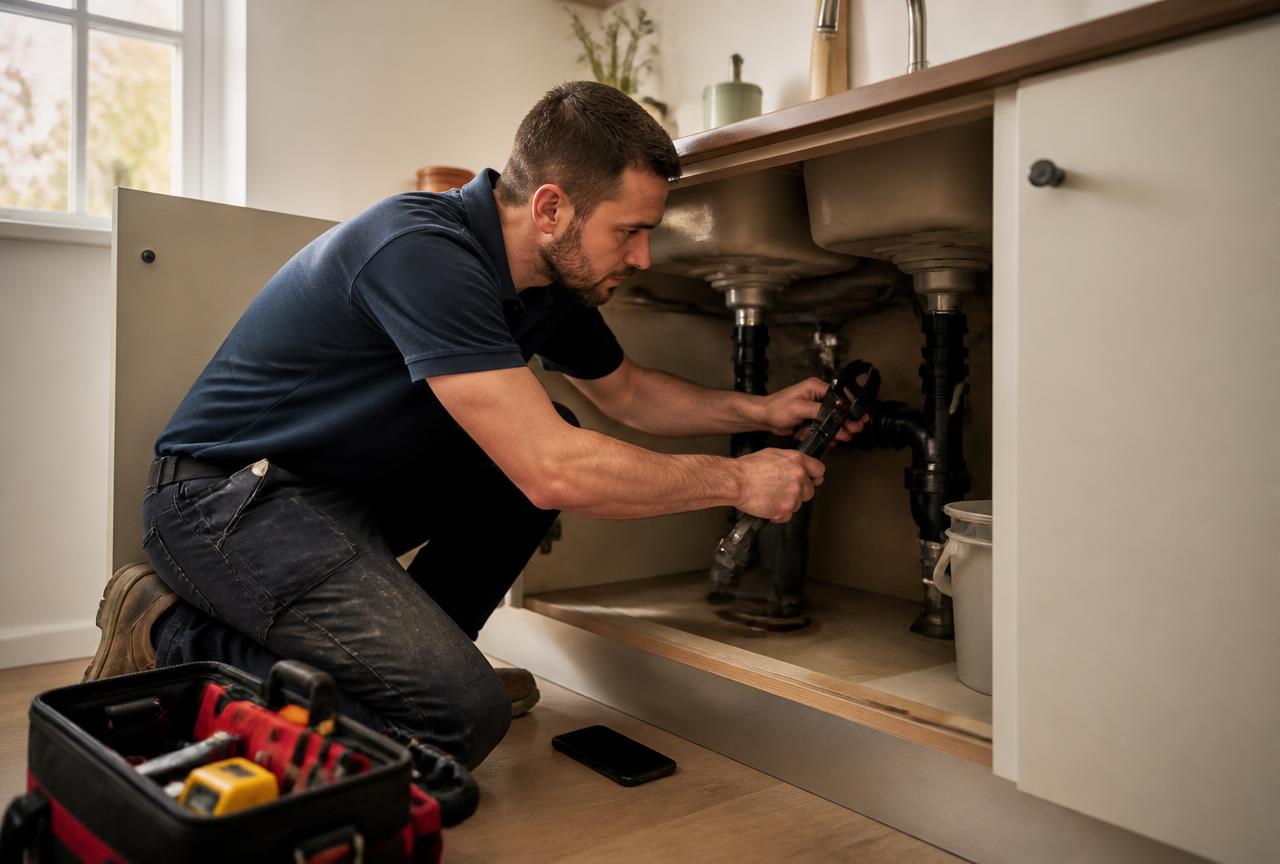
Plumbing
Repairs, drain work, and installs with parts usage captured in the field.
Ways To Get Help
Getting started
Import customers, set up your pricebook, and run your first dispatch day.
Email support
Reach our team at support@jobopspro.com. Most questions are answered within one business day.
Live onboarding
Schedule a guided walkthrough with your team to configure workflows and user roles.
Request Assistance
Tell us what you need help with and our support team will get back to you by email.
Switching And Troubleshooting
Migration checklist
- Export your customer list and service locations.
- Build your pricebook and equipment models.
- Add technicians, trucks, and skills.
- Run a parallel dispatch day before go-live.
Troubleshooting
Common issues like missing email delivery, route-map loading, or user permissions are covered in our support docs. Contact us for account-specific help.