
Field Operations
The Dispatch Board As Your Command Center
2 min readJobOpsPro
One screen that shows the whole day: unassigned calls, technician capacity, jobs at risk, and where to move work.
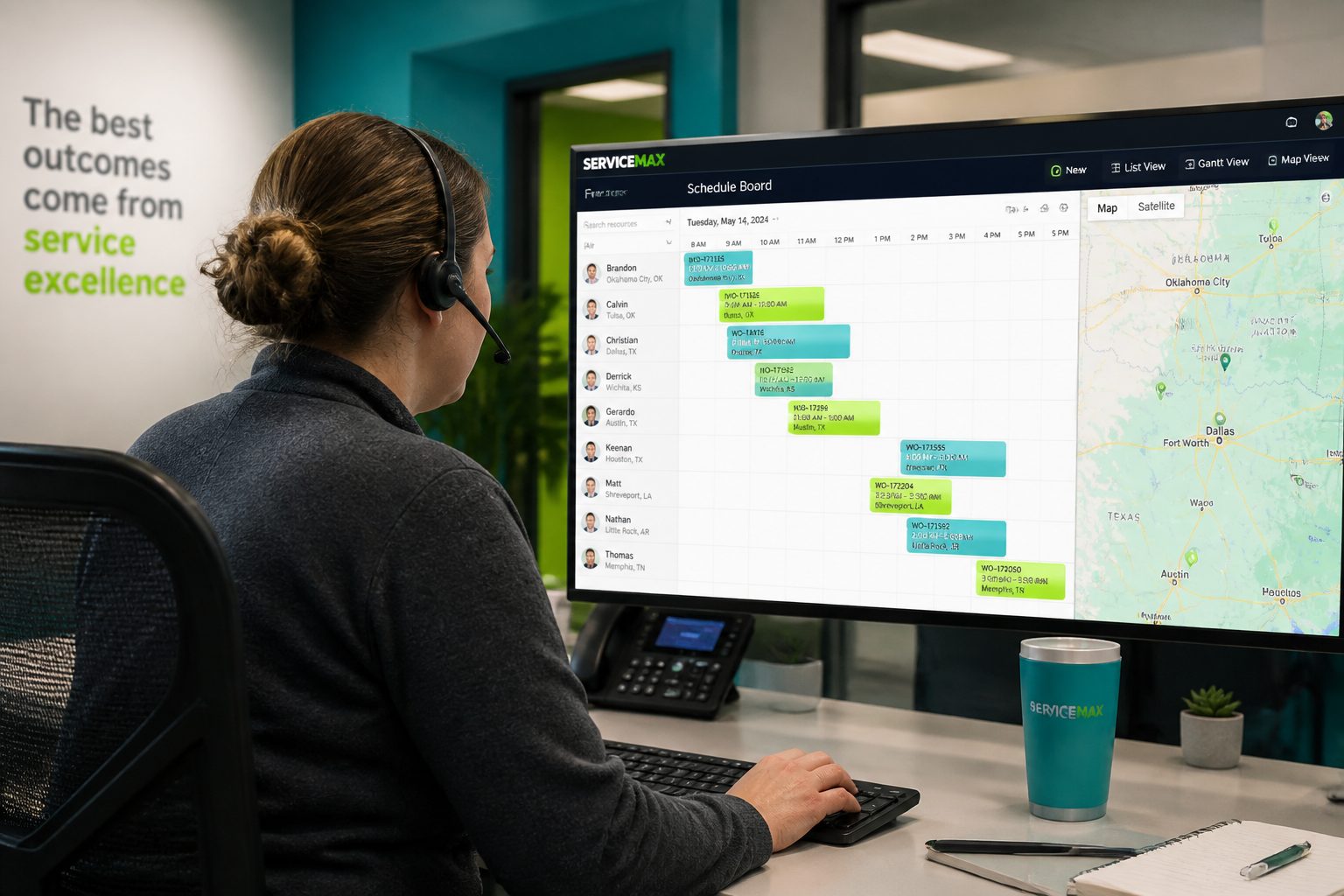
If your dispatcher runs the day on a whiteboard and a phone, the owner has no view of it. A live dispatch board turns scheduling into shared information.
What Belongs On The Board
- Every job for the day, grouped by technician and ordered by route
- Unassigned and emergency calls in a visible queue
- Capacity per technician: hours booked versus hours available
- Status colors that update from the field, not from a phone call
Handling The Same-Day Call
No-heat and no-cool calls do not wait. The board should answer three questions instantly: who is closest, who has the skills, and whose day can absorb the stop without breaking a promised window. Drag the job onto that route and the customer gets an updated ETA automatically.
Protecting Maintenance Agreements
Membership visits are the first thing sacrificed to emergencies, and the first thing customers notice when they are missed. Keeping forecasted membership visits on the same board makes the trade-off deliberate instead of accidental.
Owner Questions The Board Answers
- Are we selling enough to fill next week, or are trucks going out light?
- Which technician is consistently finishing early, and which is always behind?
- How many jobs slipped out of their promised window this week?
Dispatcher And Owner, Same Data
The value is not the software. It is that the owner, the dispatcher, and the technician are all looking at the same day. Disagreements about what happened get shorter when the timestamps are on the screen.
Rolling It Out
Run the board in parallel with your current process for one week. Insist that every schedule change happens on the board. By day five the whiteboard is out of date and nobody is using it, which is exactly the outcome you want.