
Compliance
Tracking Permits And Inspections Without A Whiteboard
1 min readJobOpsPro
A simple system for logging permit numbers, inspection dates, corrections, and sign-offs against the job so nothing stalls waiting on paperwork.
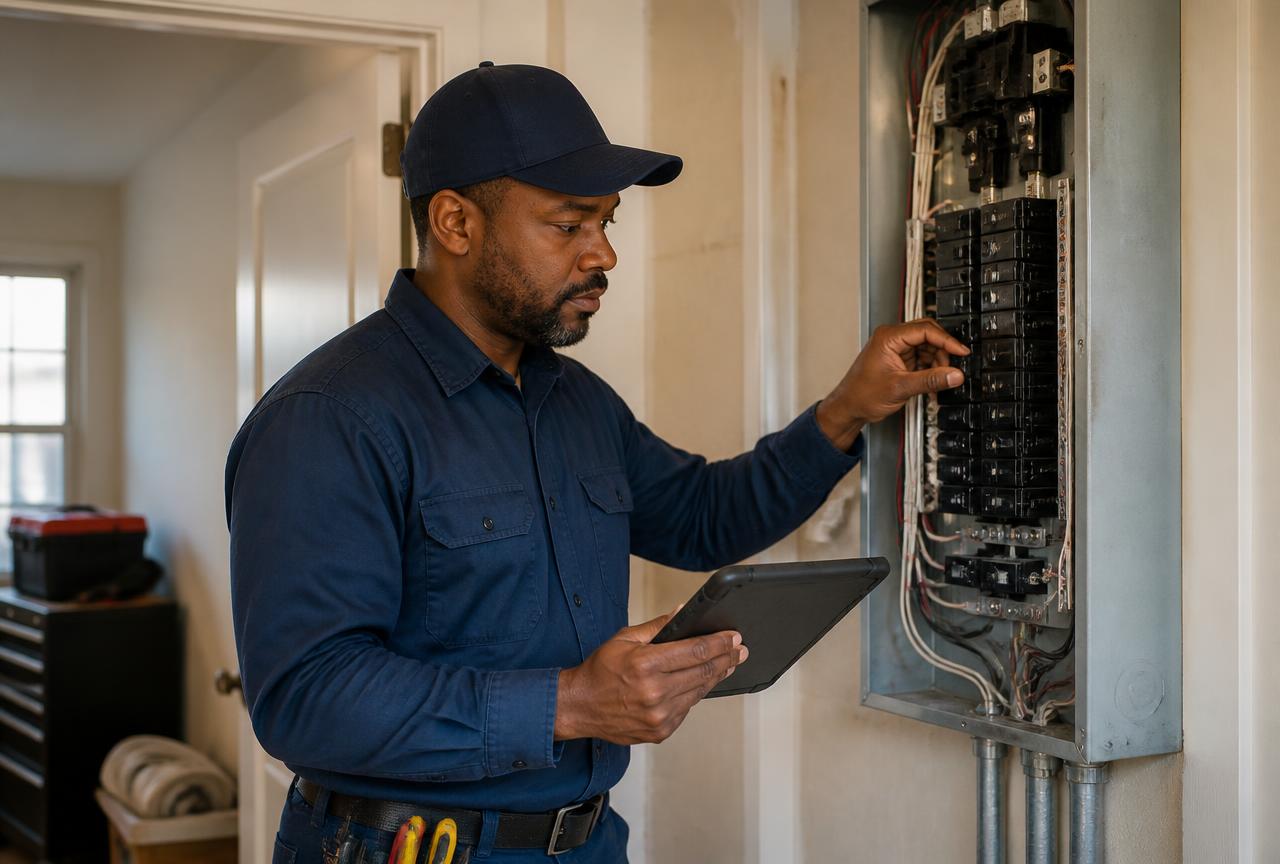
Permits stall jobs more often than parts do. The failure is rarely the jurisdiction — it is that the permit lives on a whiteboard, in an inbox, and in one person's head.
Attach It To The Job
Permit number, jurisdiction, application date, and status belong on the job record, next to the schedule and the estimate. Anyone in the office can answer a customer's question without finding the project manager.
Phase The Work Around Inspections
Use project phases for rough-in, inspection, and trim-out. When an inspection is pending, the phase status makes it visible that the crew cannot proceed, so the schedule is not built on a fantasy.
Photograph Before It Is Covered
Rough-in photos of wire runs, box fill, staples, and grounding save a demolition argument later and speed a re-inspection when the original inspector is unavailable.
Log Corrections As Work
A correction notice is a scheduled visit with a scope, not an email someone will get to. Put it on the board with the customer notified.
Close The Loop
Record the final sign-off date on the job. Warranty claims, insurance questions, and resale inspections all come back to that record, sometimes years later.
The Payoff
Fewer jobs sitting at 90 percent complete. Faster final billing. And an office that can answer "when is the inspection?" without three phone calls.