
Field Operations
What Electricians Should Expect From A Mobile Field App
1 min readJobOpsPro
The field workspace features that matter on an electrical service call: job details, time clock, photo capture, materials logging, and estimating from a tablet.
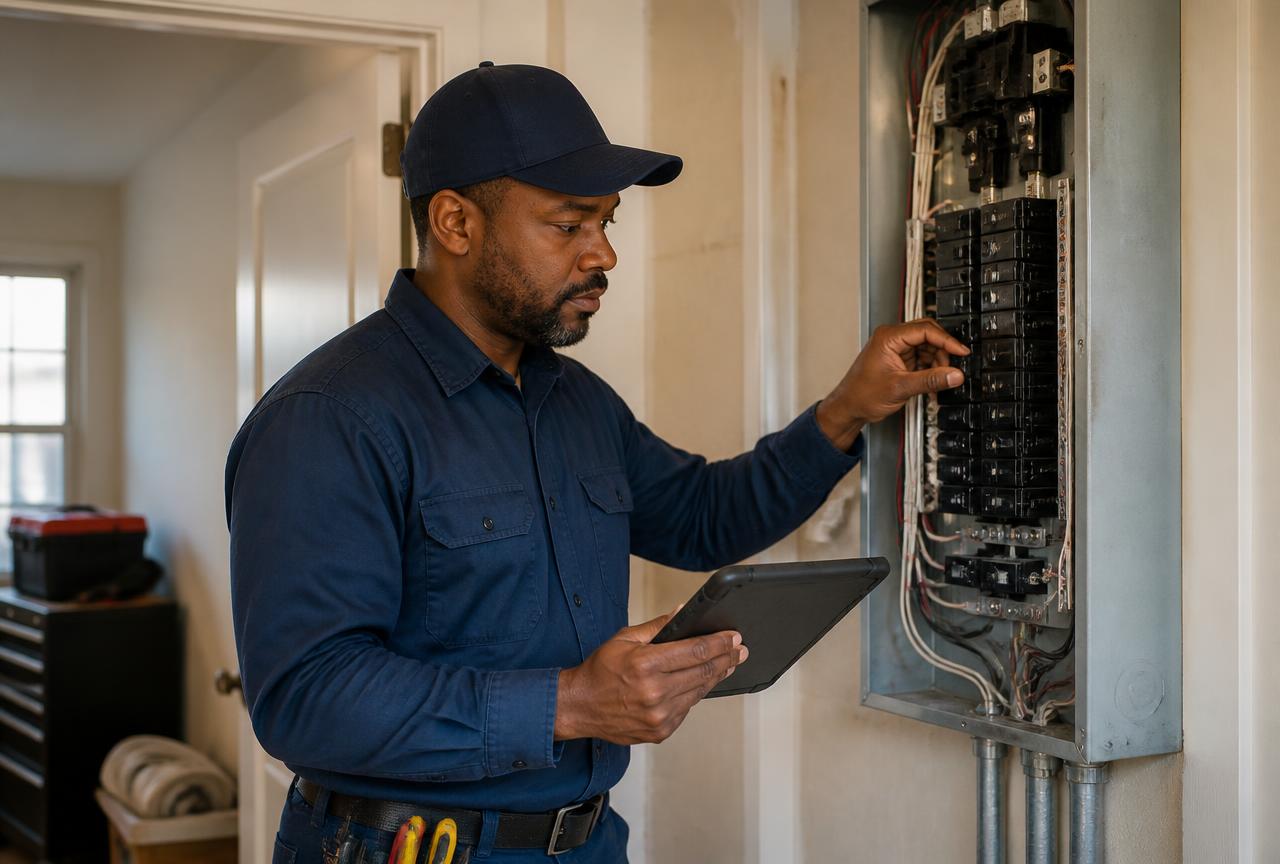
Field software fails in the field, not in the office. Here is what an electrician should be able to do from a phone or tablet without calling dispatch.
See The Whole Stop
Customer, address, gate codes, the problem as described at intake, and the equipment or panel history from previous visits. Enough context to walk in prepared.
Clock In And Out On The Job
Time attaches to the job, not to a weekly timesheet reconstructed on Friday. Labor hours flow into job costing and payroll reporting.
Capture Photos As Evidence
Before, during, and after. Panel interiors, wire gauge, burned lugs, and the finished install. Photos support the estimate, the inspection, and the eventual warranty conversation.
Log Materials As They Come Off The Truck
Breakers, wire, conduit, devices. Logging in the moment is the only way inventory counts stay honest, and it makes job cost real.
Build And Send An Estimate
Pricebook items, tiered options, signature on the screen or an emailed approval link. The sale happens while the technician is standing there, not three days later.
Work With A Weak Signal
Basements, mechanical rooms, and rural service addresses are where the app has to hold up. Keep entry simple and short so a dropped bar does not cost the technician the visit.
Close It Out
Mark the job complete, trigger the customer completion email, and let the office invoice — or invoice directly from the field.
Everything here is part of the technician workspace, included at $25 per user per month.