
Field Operations
Emergency Plumbing Dispatch: How To Cover After-Hours Calls Without Chaos
1 min readJobOpsPro
A practical on-call playbook for plumbing companies: rotation, response-time targets, dispatch rules, and the notifications that stop customer callbacks.
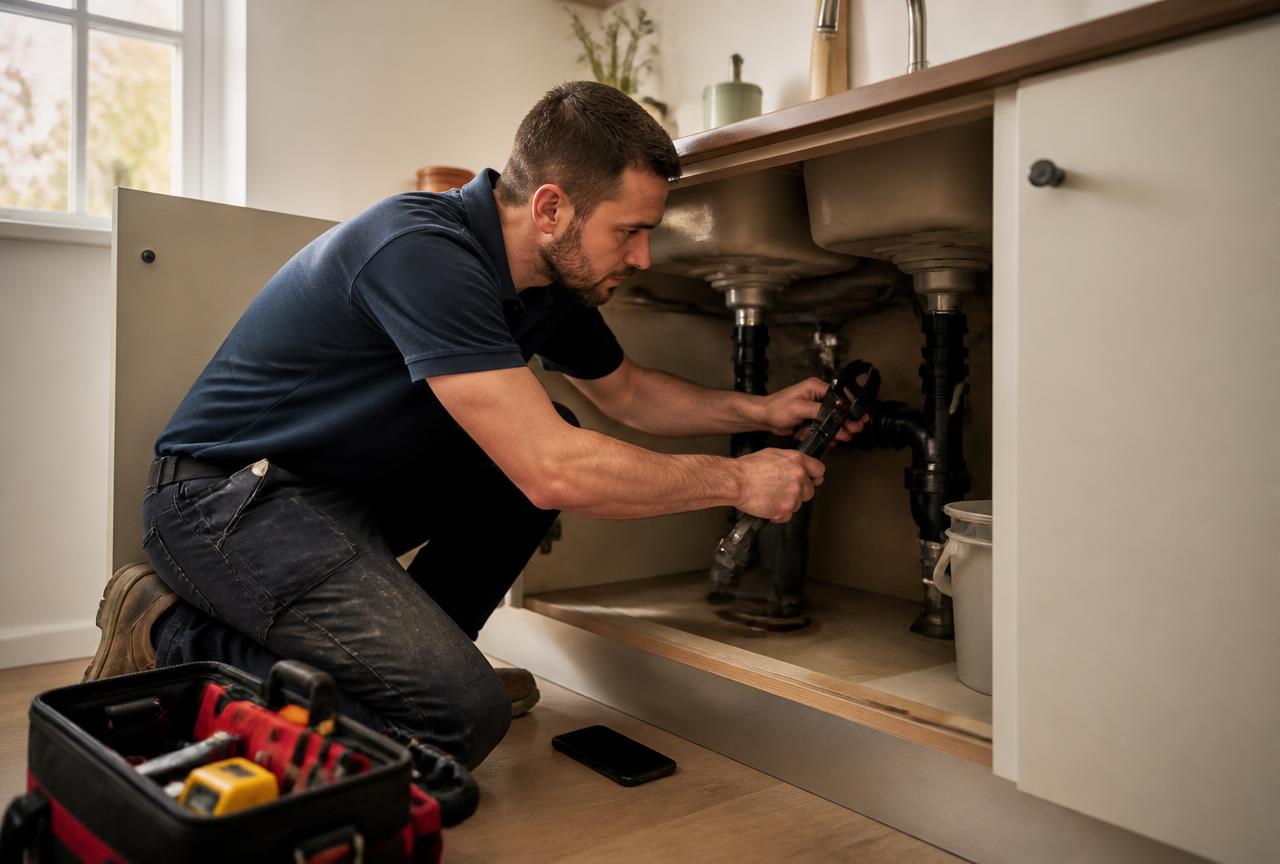
After-hours plumbing is profitable and exhausting. The difference between the two is usually process, not people.
Set The Rotation In Advance
Publish the on-call schedule a month out and put the technician's availability on the board. When the phone rings at 11 p.m., the answer to "who goes?" is already decided.
Triage At Intake
Capture three things on every emergency call: is the water shut off, where is the leak, and is there active damage. Those answers determine whether the call is a two-hour response or a first-thing-tomorrow appointment, and they belong on the job so the technician does not re-interview the customer.
Dispatch By Distance And Skill
The board shows who is on call, where they are, and what they are certified for. Sewer backups go to the crew with the jetter, not to whoever answered first.
Notify Automatically
Scheduled and en-route emails go out as the status changes. A homeowner standing in two inches of water will call every fifteen minutes unless something tells them help is moving.
Document The Damage
Photos before work starts protect you when a homeowner or their insurer asks what the property looked like on arrival. Photos attach to the job, not to a phone.
Bill While It Is Fresh
Emergency invoices should leave with the technician. Generate the invoice from the completed job, send the payment link, and collect before the urgency fades.
Review The Week
Pull after-hours jobs in reports: response time, average ticket, and how many became follow-up daytime work. That tells you whether the on-call program is a profit center or a staffing tax.