Software Guides
What Is Construction Management Software for Residential Contractors?
8 min readJobOpsPro Editorial Team
Construction management software runs the full residential job lifecycle, from intake and dispatch to estimates, field work, invoicing and payments, in one system. Here's what it does, what it costs, and how to choose.
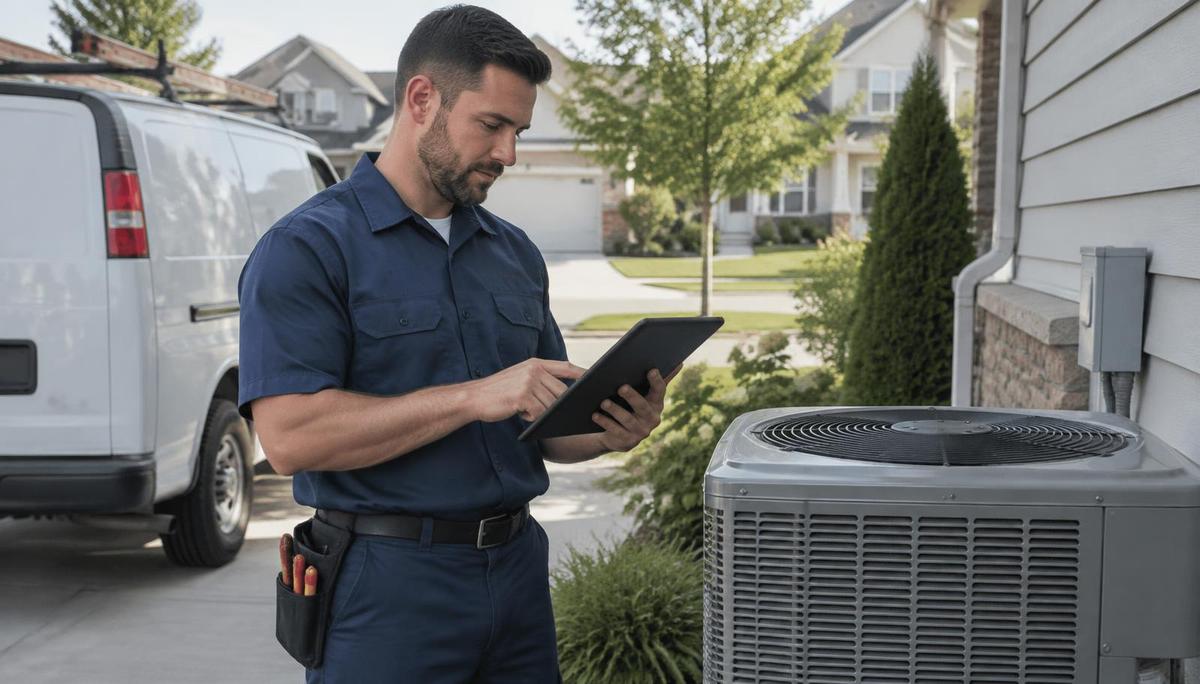
Construction management software for residential contractors is a single system that runs the whole job lifecycle — intake, scheduling, dispatch, estimates, field work, invoicing, and payments — from one place. Instead of juggling a calendar, a spreadsheet, a proposal tool, and paper tickets, owners, dispatchers, and technicians all work from the same live job record.
What does construction management software actually do for a residential contractor?
Residential contractors don't run 18-month commercial builds with a general contractor, architects, and lenders. They run dozens or hundreds of short jobs a month: a furnace replacement, a water heater swap, a panel upgrade, a bathroom repipe, a kitchen remodel. The software has to fit that rhythm.
In practice, residential construction management software handles six jobs:
- Capture the work. A call, web request, or repeat customer becomes a job with the customer, address, equipment, and history attached.
- Price the work. Estimates are built from a price book, often as Good / Better / Best options the homeowner can approve on the spot.
- Schedule and dispatch. Jobs land on a dispatch board, get assigned to the right technician or crew, and are sequenced by drive time.
- Run the work in the field. Techs see job details, take photos, log materials from truck stock, track time, and capture signatures on a phone or tablet.
- Get paid. Completed work turns into an invoice with a payment link, and the books sync to accounting.
- Measure the business. Owners see revenue, open estimates, technician performance, and job costs without building reports by hand.
If a tool only does one or two of these, it's a point solution, not a management system. See how JobOpsPro handles the full set on the construction management software page.
How is residential construction management different from commercial construction software?
Most "construction management software" lists are dominated by tools built for commercial general contractors. Those tools are excellent at RFIs, submittals, and multi-party bid management, and are overkill for a 6-truck HVAC or plumbing shop.
| Need | Commercial construction software | Residential contractor software |
|---|---|---|
| Typical job length | Months to years | Hours to a few weeks |
| Jobs per month | A handful | Dozens to hundreds |
| Core workflow | Bids, RFIs, submittals, change orders | Call intake, dispatch, estimate, invoice |
| Primary user | Project managers in the office | Dispatchers and techs in the field |
| Customer | Developers, owners, GCs | Homeowners |
| Payment | Progress billing, retainage | Pay at the door or by link |
| Pricing model | Often annual contracts, tiered | Per user per month is common |
Residential contractors need something closer to field service management with project tools layered in — the ability to run quick service calls and multi-day installs or remodels in the same system.
Which features should residential contractors look for?
Use this checklist when evaluating any platform:
- Dispatch board with drag-and-drop assignment and live job status (dispatch software)
- Route sequencing that accounts for drive time from the shop
- Mobile field app for techs: job details, photos, notes, signatures
- Estimates with options (Good / Better / Best) approved in the field
- Price book with flat-rate pricing your whole team uses
- Invoicing and payment links so jobs get paid the same day
- Accounting sync, such as QuickBooks Online
- Inventory and truck stock so materials are tracked to the job
- Memberships / service agreements for recurring maintenance revenue
- Project tools (phases, plans, schedules) for multi-day installs and remodels
- Customer notifications (on the way, arrived, complete)
- Reporting on revenue, close rates, and job costs
- Unlimited customers and jobs so you're not penalized for growth
- No long-term contract so you can leave if it doesn't fit
Which trades use construction management software?
Any residential trade that sends people to homes benefits. The most common are:
- HVAC — maintenance agreements, seasonal demand spikes, equipment replacements. See HVAC scheduling software.
- Plumbing — emergency dispatch, water heater and repipe jobs, truck stock. See plumbing software.
- Electrical — panel upgrades, permits and inspections, service calls. See electrical contractor software.
- Other home service trades — roofing, garage door, pool service, pest control, landscaping, septic, water treatment, and more. See all industries we serve.
How much does construction management software cost?
Pricing varies widely by category. Based on the ranges shown on our comparison page:
| Software type | Typical pricing |
|---|---|
| Legacy all-in-one FSM suites | Typically $200–$400+ / month, tiered |
| Mid-market HVAC platforms | Typically $99–$300 / month + per-user fees |
| Lightweight scheduling apps | $29–$79 / user / month |
| JobOpsPro | $25 / user / month, every module included |
Watch for hidden costs: implementation fees, per-job fees, module add-ons, and annual contracts. JobOpsPro has no implementation fee and no annual contract, with unlimited customers and jobs. Full details are on the pricing page.
Illustrative example (not customer data): a shop with 5 technicians and 1 dispatcher on a $25/user plan would pay 6 × $25 = $150 per month for every module.
What problems does it solve that spreadsheets and calendars can't?
Spreadsheets and shared calendars work until roughly the second or third truck. After that, the cracks show:
- Double-booking and missed jobs because the calendar doesn't know who is where.
- Lost revenue from estimates nobody followed up on.
- Slow payment because invoices are written up at the end of the week.
- Material leakage when parts leave the truck without being tied to a job.
- No visibility — the owner has to call techs to find out what's happening.
A shared system fixes these by making every job a single record that the office and field update in real time. If you're making the switch, read our guide on switching from spreadsheets.
What are the signs your shop needs construction management software?
You likely need a dedicated system if several of these are true:
- You have three or more technicians or crews in the field at once.
- Your dispatcher spends the morning calling techs to find out where they are.
- Estimates sit unsent or unfollowed for days after the site visit.
- Invoices are written at the end of the week instead of at the door.
- You can't say, without digging, which jobs made money last month.
- Parts disappear from trucks and never land on an invoice.
- Maintenance agreements live in a spreadsheet nobody trusts.
- You run both quick service calls and multi-day installs and track them in different places.
Each of these is a symptom of the same problem: the job record is scattered across tools and people. Construction management software puts it in one place so the office and field see the same thing at the same time.
How do you choose the right platform for your shop?
Follow a simple five-step process:
- List your actual workflow. Write down how a job moves from phone call to paid invoice today.
- Count your users. Per-user pricing makes cost predictable; tiered pricing can jump at certain team sizes.
- Test the field app first. If techs won't use it, nothing else matters. Have a tech run a real job on it.
- Check accounting sync. Confirm it connects to the accounting system you already use, such as QuickBooks Online.
- Avoid lock-in. Prefer month-to-month terms so the software has to keep earning your business.
Compare options side by side on JobOpsPro vs. other software, or read our breakdowns of ServiceTitan alternatives, Housecall Pro alternatives, and Jobber alternatives.
What does a typical day look like with construction management software?
Here is an illustrative day at a residential HVAC and plumbing shop (example, not customer data):
| Time | What happens in the system |
|---|---|
| 7:00 AM | Dispatcher opens the board; routes start from the shop and are sequenced by drive time |
| 8:15 AM | Customer gets an automatic "on the way" notification |
| 9:30 AM | Tech presents Good / Better / Best options on a tablet; homeowner signs |
| 11:00 AM | Parts used are deducted from truck stock and tied to the job |
| 2:00 PM | Emergency leak call comes in; dispatcher reassigns the nearest tech |
| 4:30 PM | Completed jobs become invoices with payment links |
| 5:00 PM | Owner reviews revenue, open estimates, and tech performance on the dashboard |
Is JobOpsPro construction management software?
Yes. JobOpsPro combines dispatch, a field workspace, estimates, invoicing and payments, memberships, inventory, and project tools in one system built for residential contractors and home service trades. It costs $25 per user per month with every module included, unlimited customers and jobs, no implementation fee, no annual contract, and QuickBooks Online sync.